Evgenii ShmoishSenior UX Designer

I design the software that experts live in all day.

10 years in UX design, 8 in enterprise software. I help teams understand complex problems, explore workable solutions, and decide what to build together.

Helsinki, Finland · Native German and Russian · Professional English

What I have built with teams

The first UX designer.
At two companies.

A place for users in development

I introduced interviews, usability testing and feedback sessions, bringing clients into conversations about the products they use.

A shared foundation for design

I introduced design systems and aligned design with frontend development, helping teams build more consistent interfaces across products.

How I work

I make complex problems
clear enough to solve together.

My strength is finding different ways to make a problem clear. I enjoy asking questions, presenting ideas and helping people reach a shared understanding.

  1. 01UnderstandWhat is happening?
  2. 02Make it clearDo we see the same thing?
  3. 03ExploreWhat could work here?
  4. 04DecideWhat do we need to test?
  5. 05LearnDid it help people?

What we learn changes what we do next.

  1. 01

    Understand the problem behind the request.

    A ticket gives me a starting point. I check it against usage data, client conversations and the knowledge of business experts. I look beyond the immediate task: what else contributes to the problem, and what might a change affect?

    Sometimes the useful answer is a reason not to build.

  2. 02

    Make it clear enough to think together.

    I turn what I learn into sketches, diagrams or a simple explanation. I try different ways of describing the problem with the people involved. This helps them question assumptions, connect what they know, and correct my understanding.

    The picture is useful when people can think with it.

  3. 03

    Find options that fit the real product.

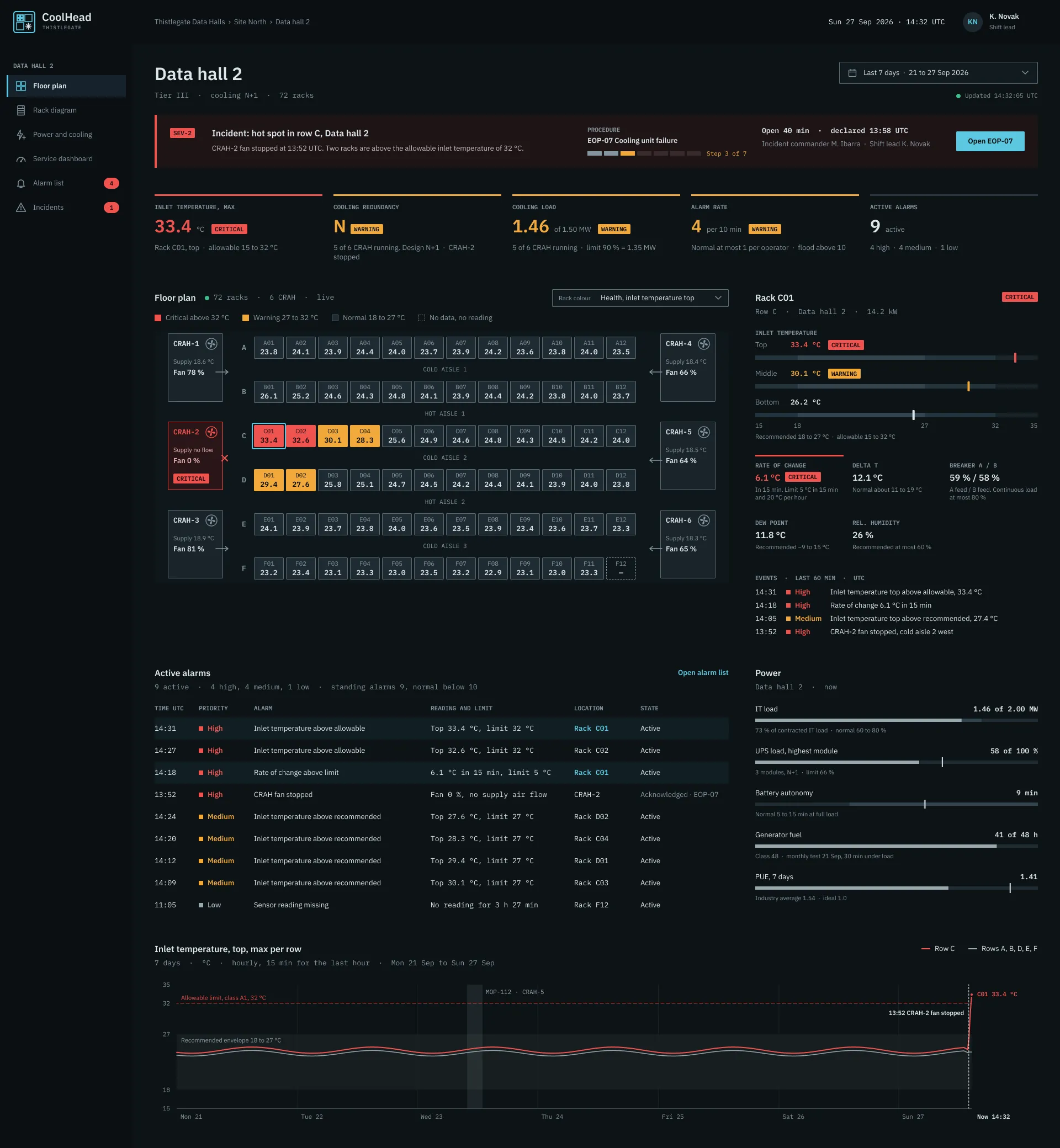
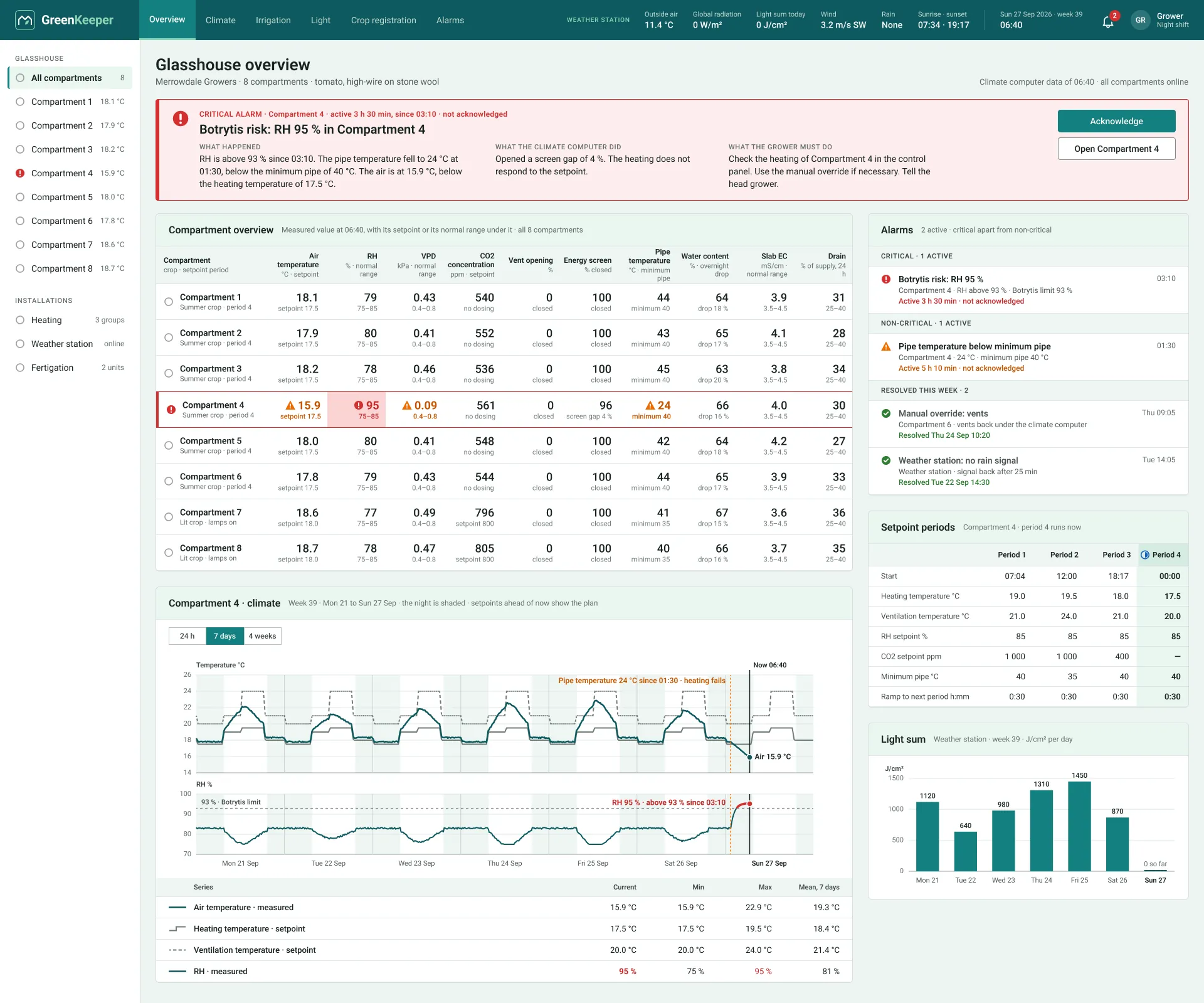
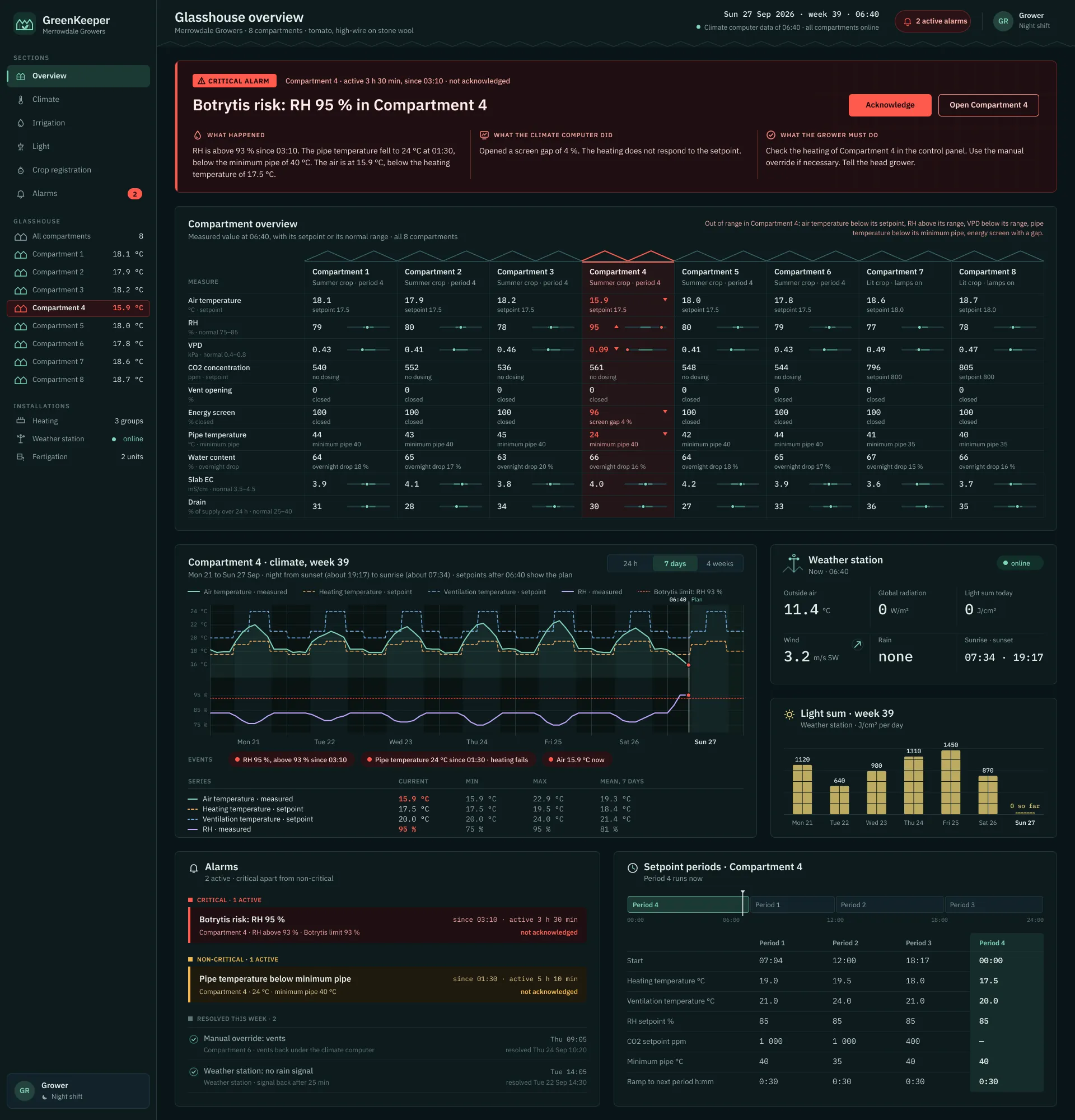
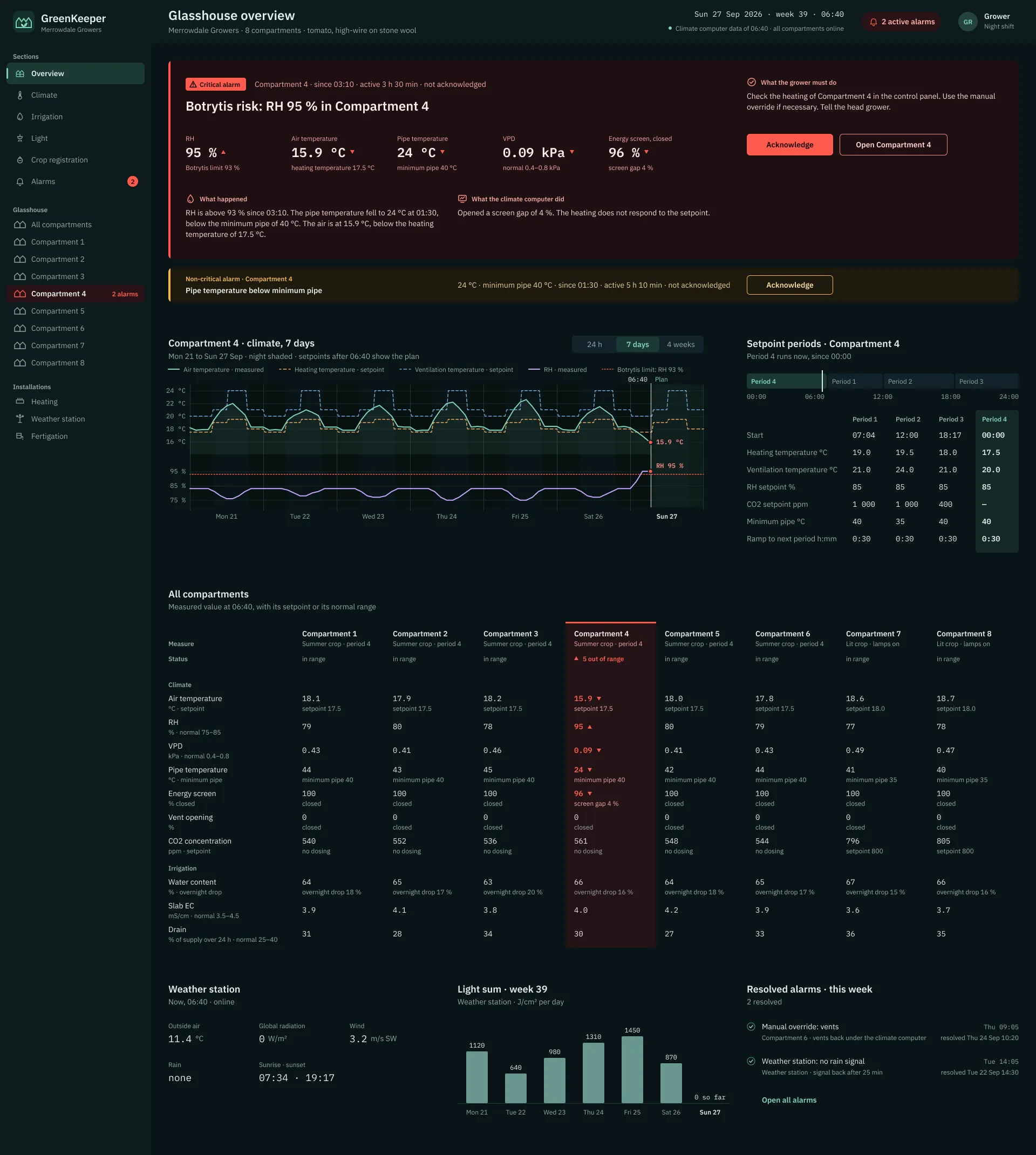
    I explore solutions within the existing product and design system. With developers, I compare effort, constraints and trade-offs. With clients, I look for needs beyond the original request. A rough sketch or a working prototype makes those conversations concrete.

    One client’s request can reveal a need shared by many.

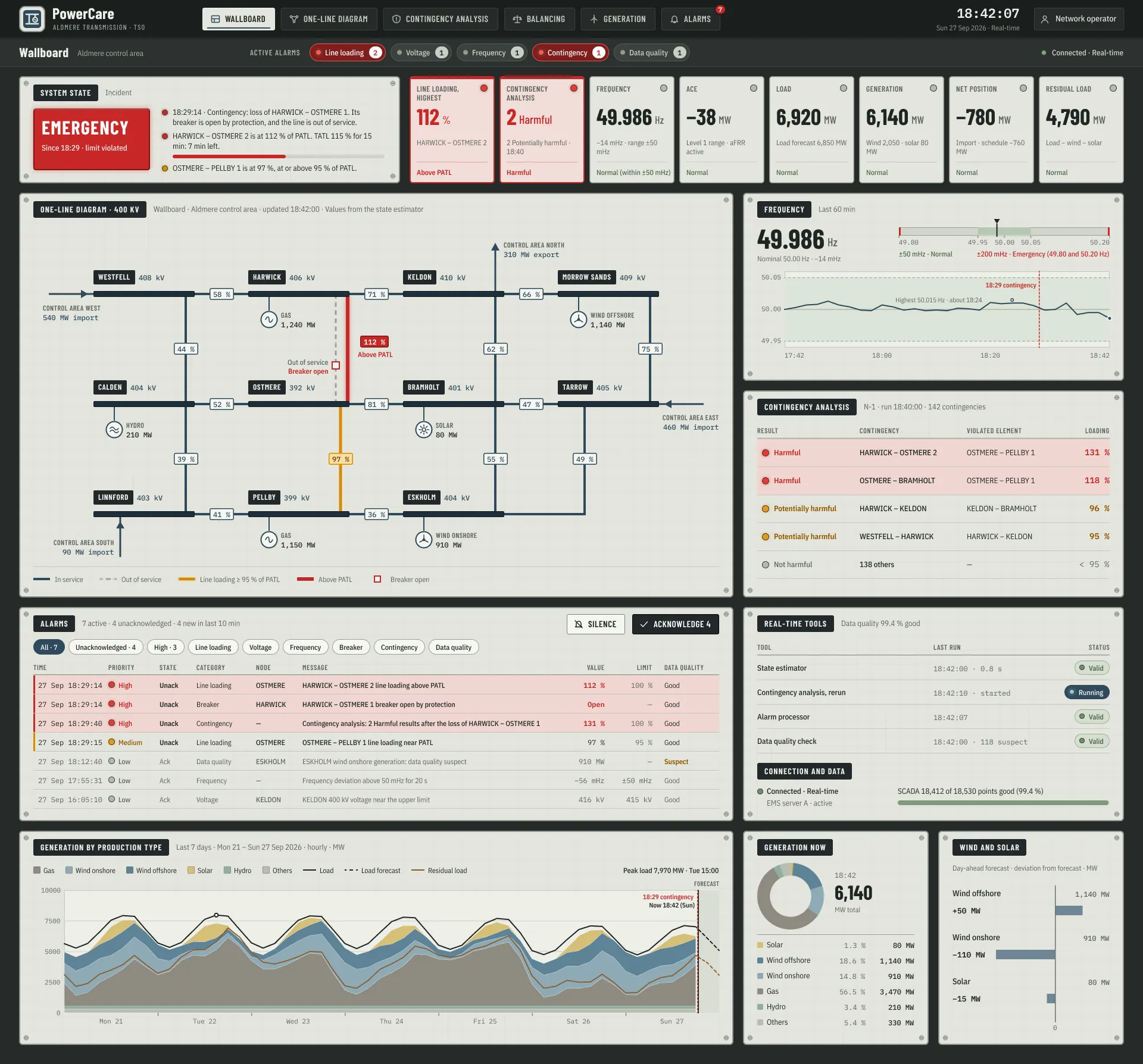
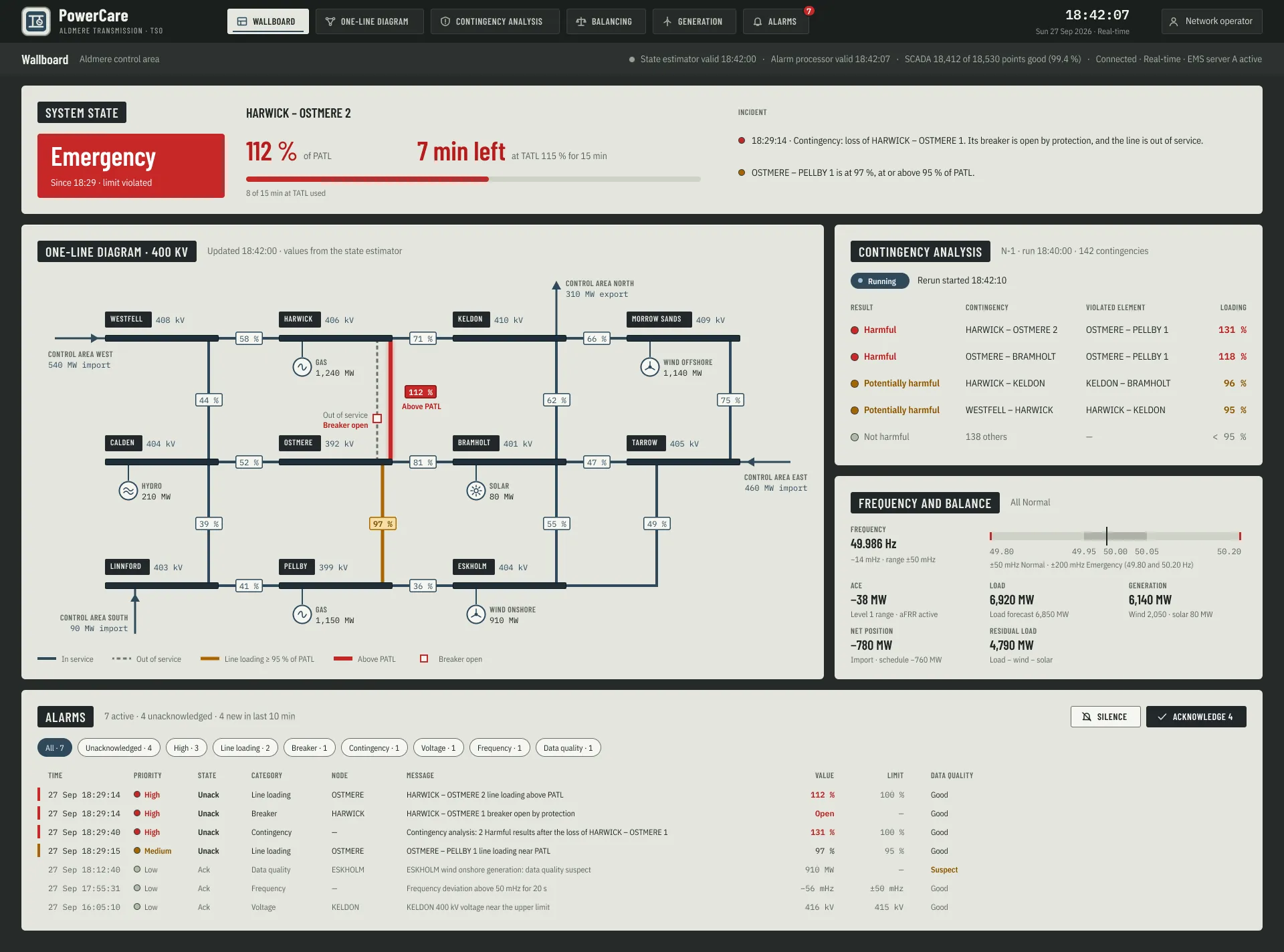
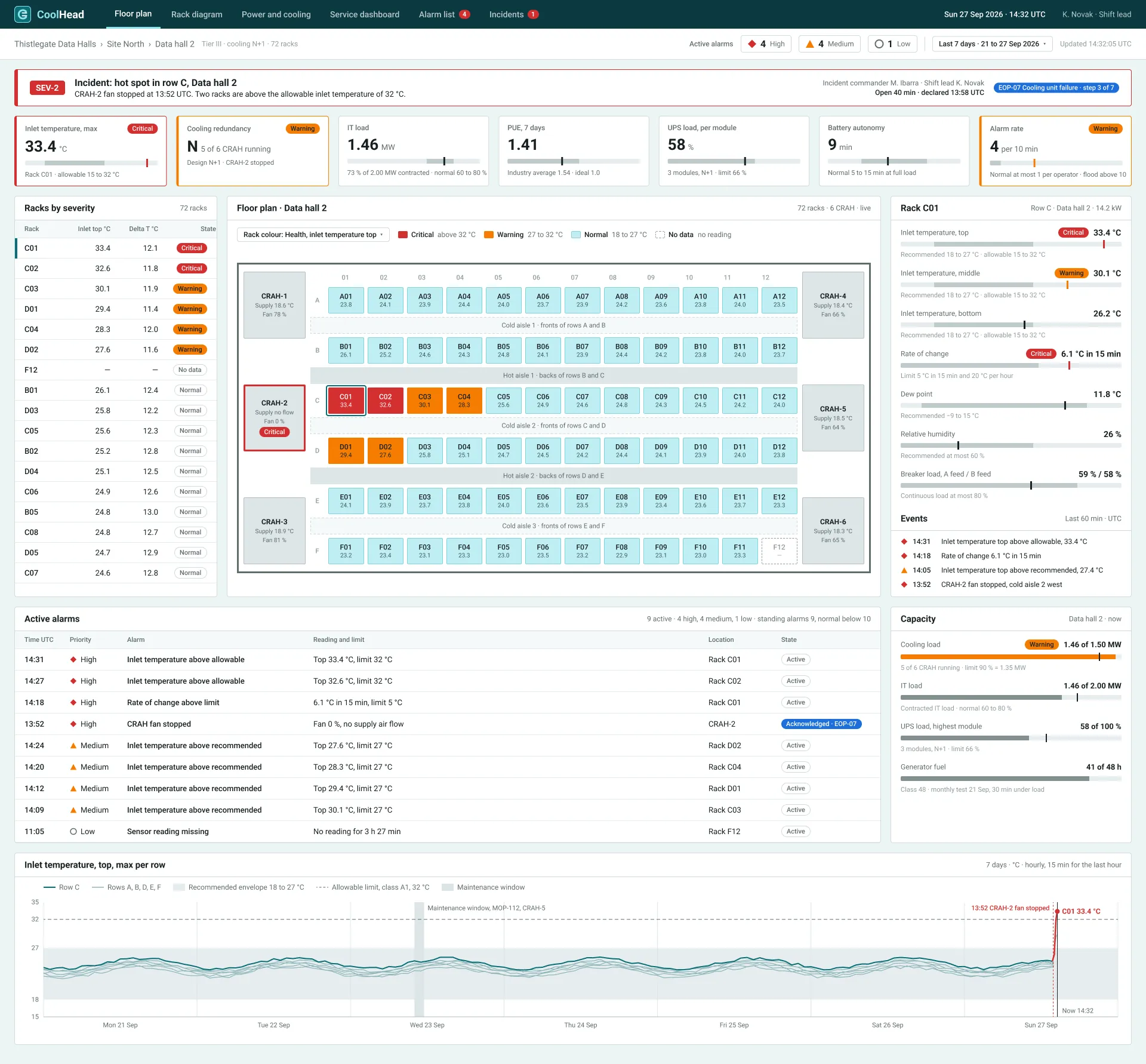
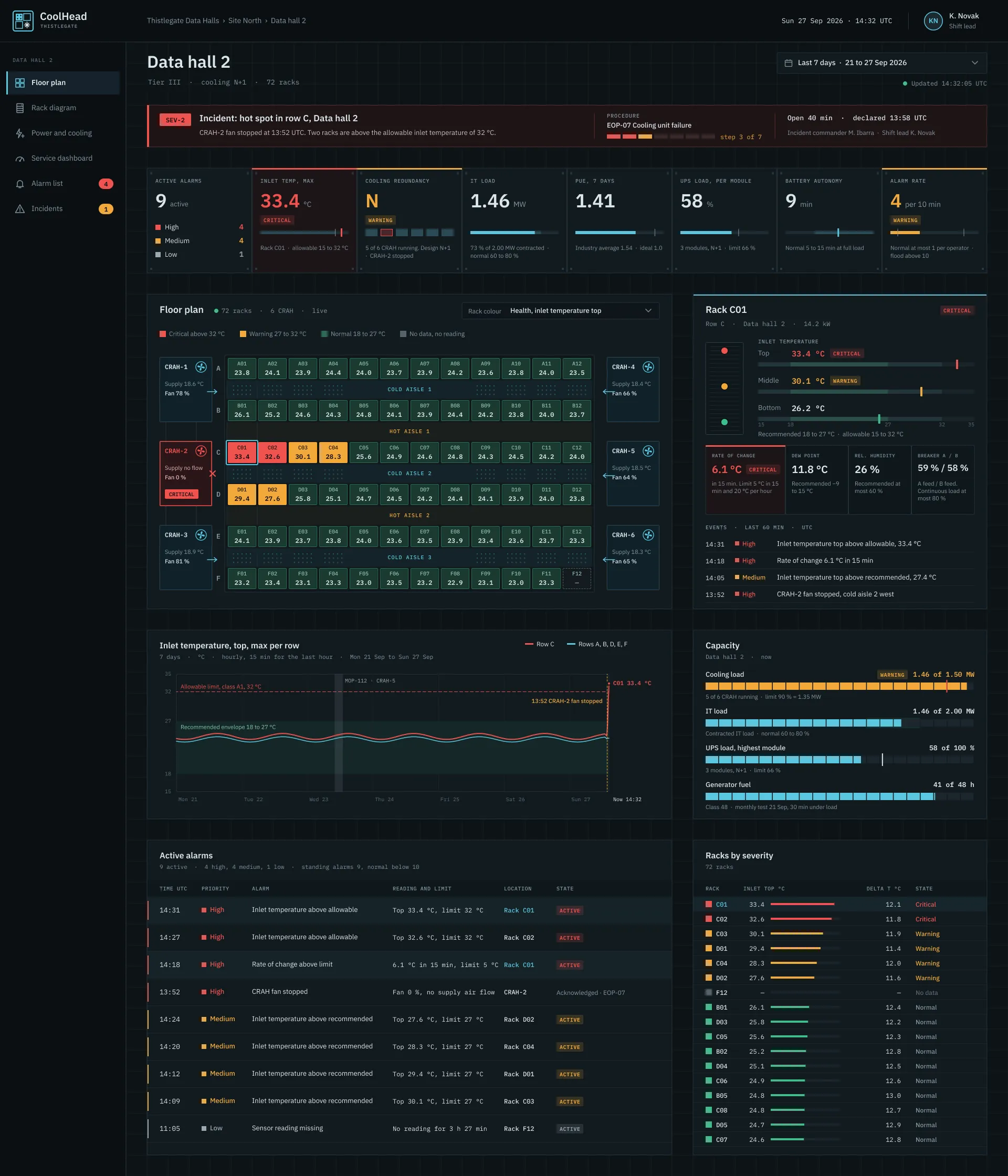
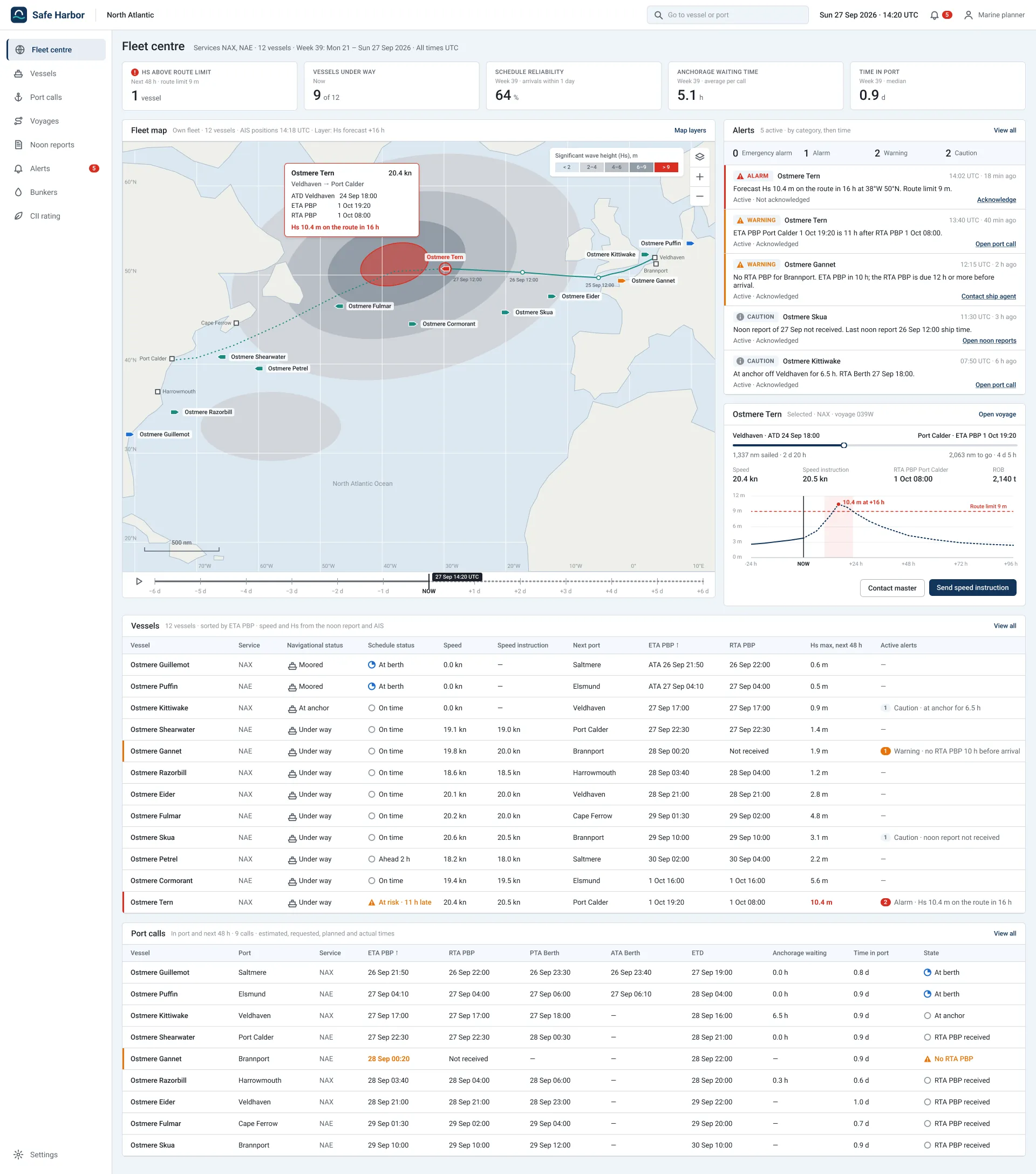
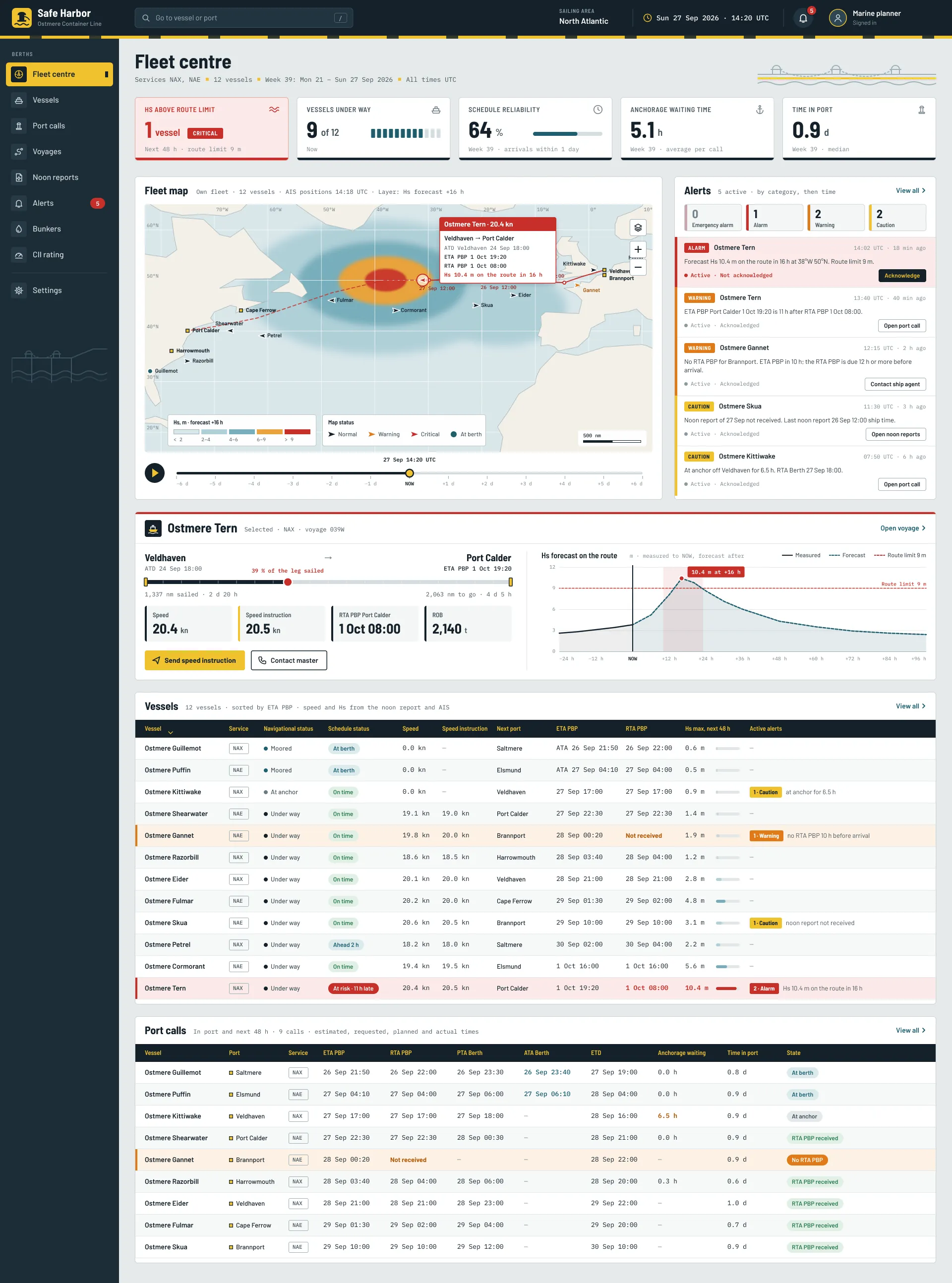
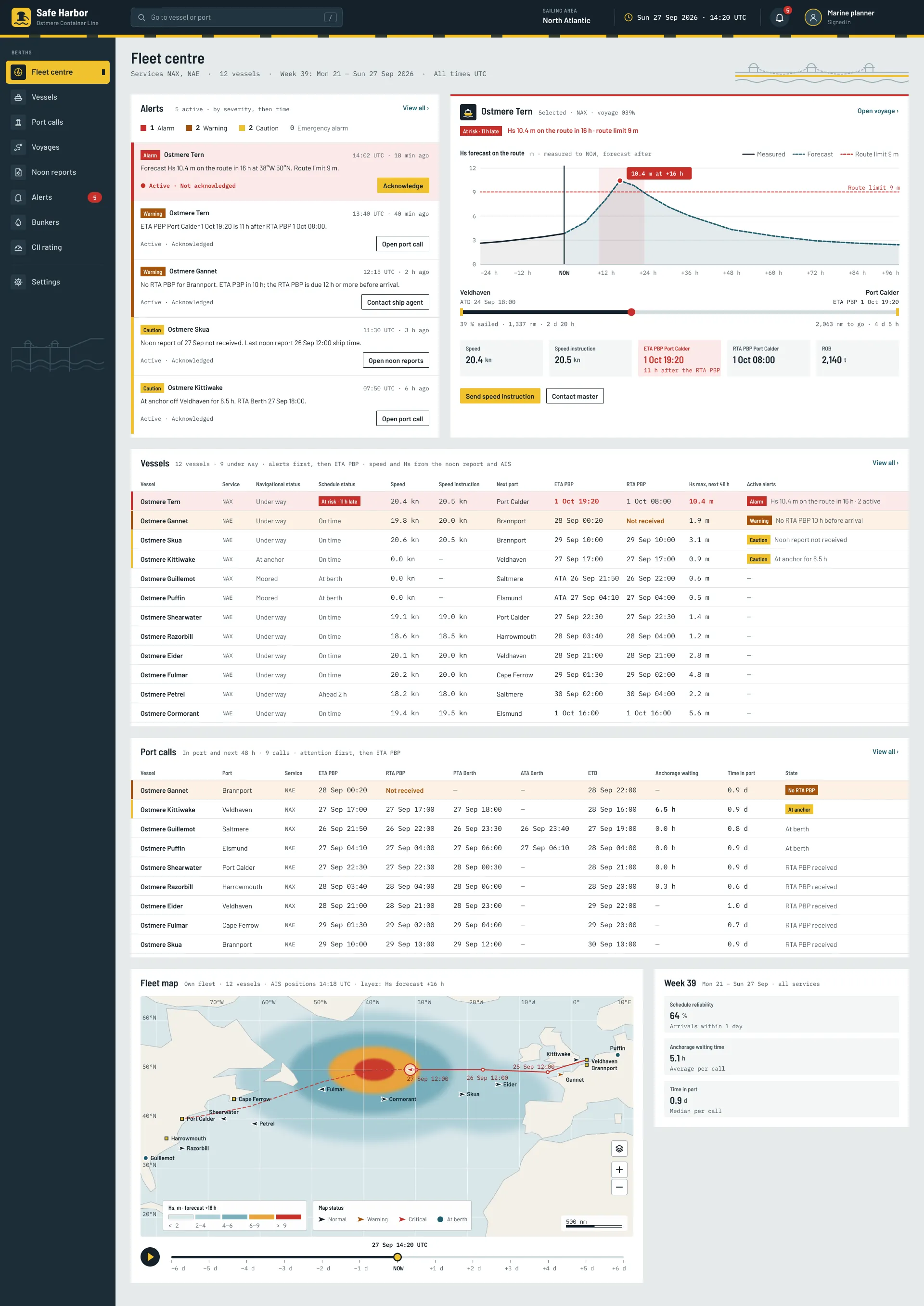
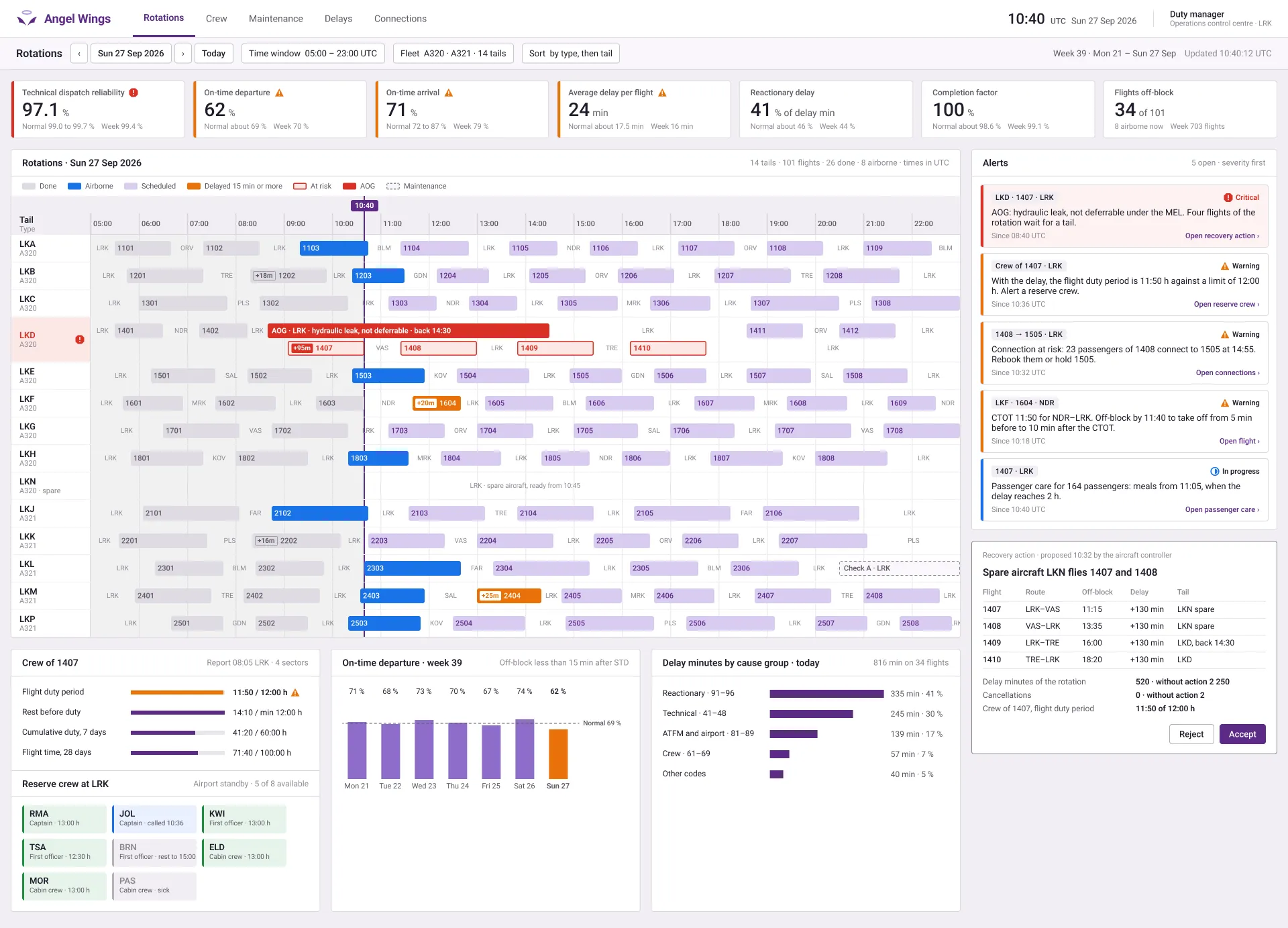
    An example of how I explore ideas
  4. 04

    Find the evidence a decision needs.

    When views differ, I ask what we still need to learn. I choose a method that fits the question: a short interview, a usability test, an A/B test or existing research. I help the team weigh the findings and agree on a direction.

    Before building, we agree what success means for users and the business.

  5. 05

    Check what changes for people.

    After release, I combine usage data with feedback from users. Reviews, focused surveys and follow-up conversations help explain what the numbers cannot. I choose what is practical for the company’s budget and access to users, then bring the findings back to the team.

    I use what we learn to propose the next improvement.

The question decides which tool I use.

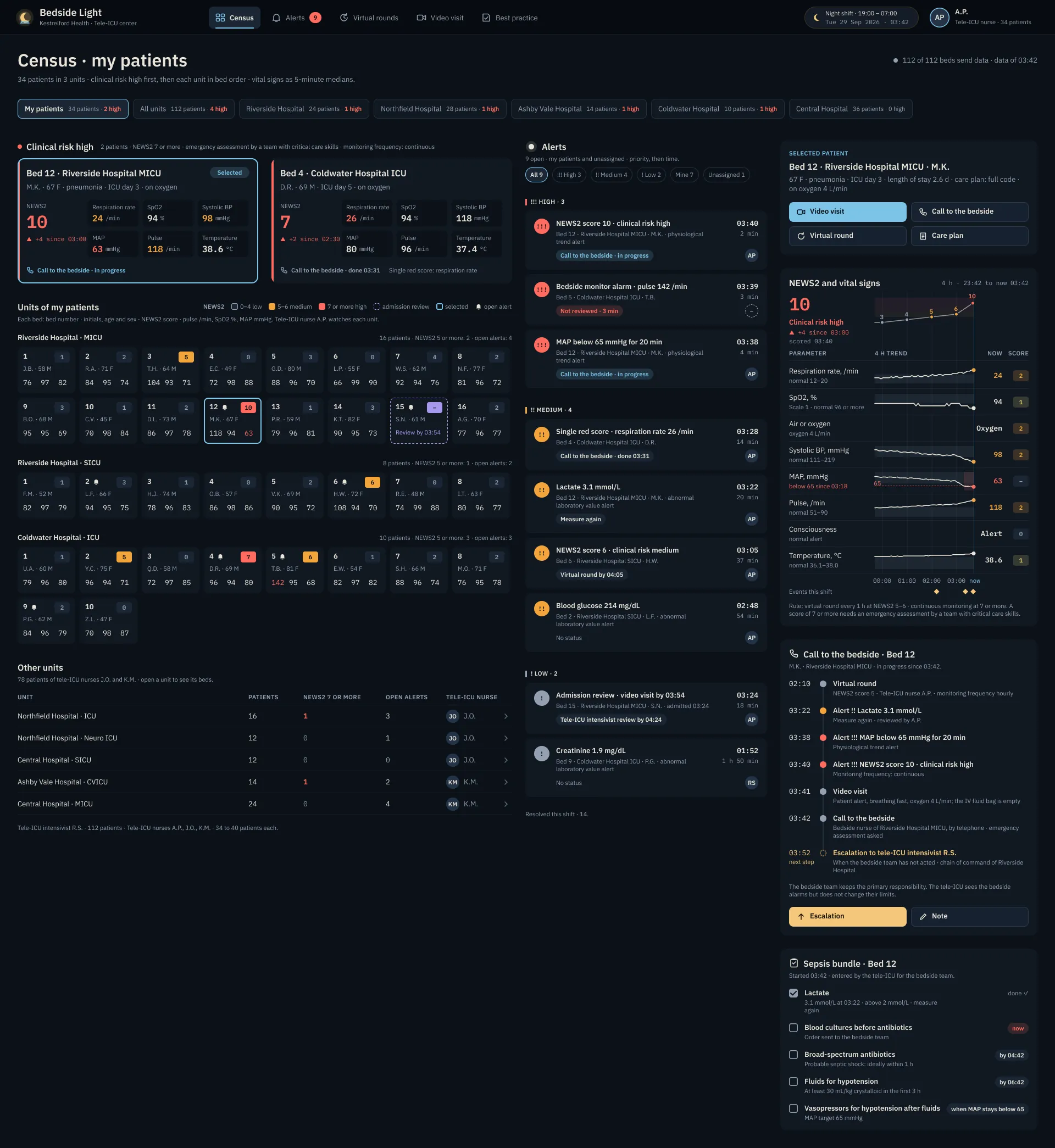
I choose the form that helps people respond: a sketch to clarify an idea, or a working prototype to try a task. I own the approach and the design decisions, whatever tools I use.

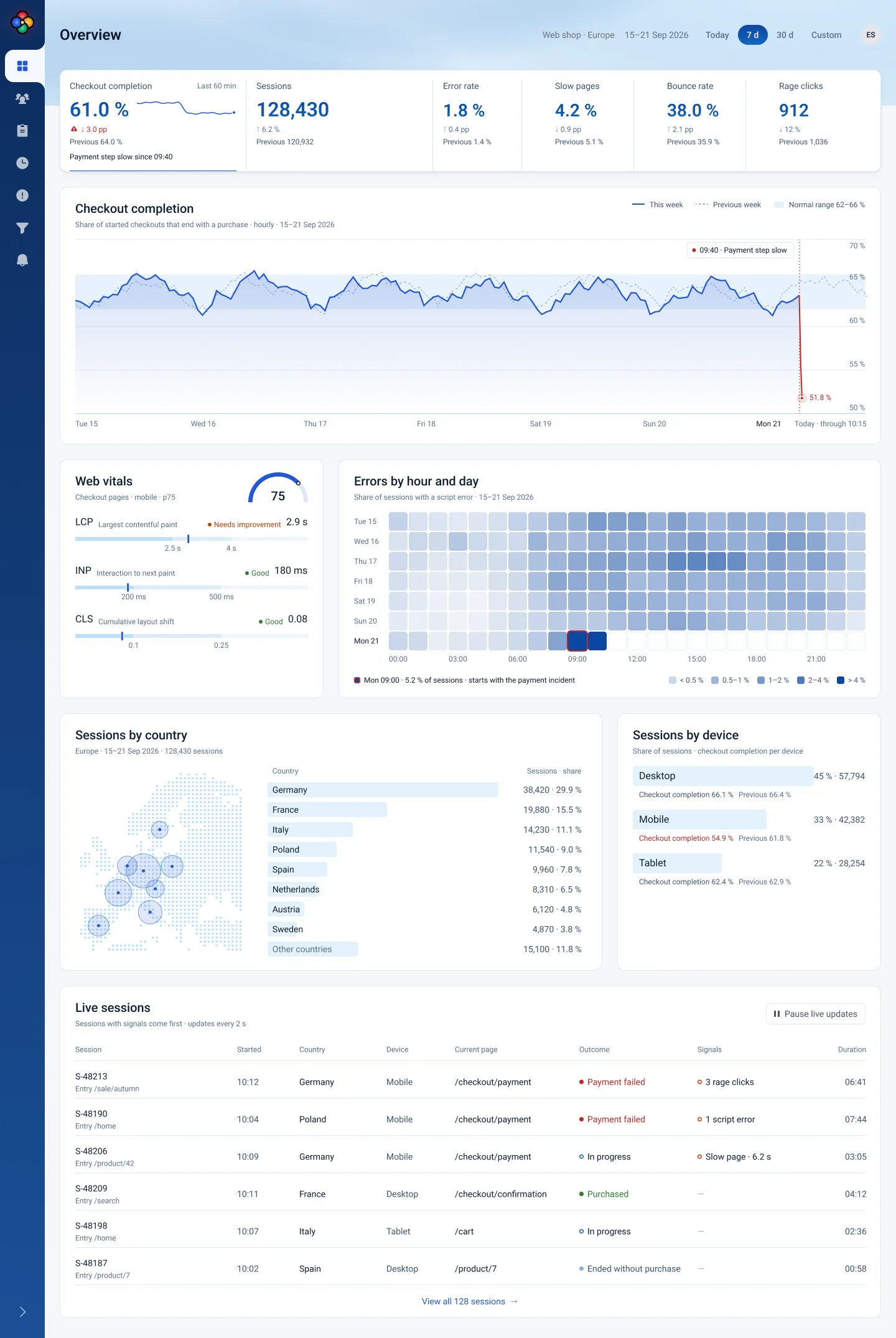
  1. The screen as a wobbly pencil wireframe on paper: a list, a detail pane, a crossed image box and a button.
    SketchesPaper and whiteboards help me explain a thought while it is still easy to change.
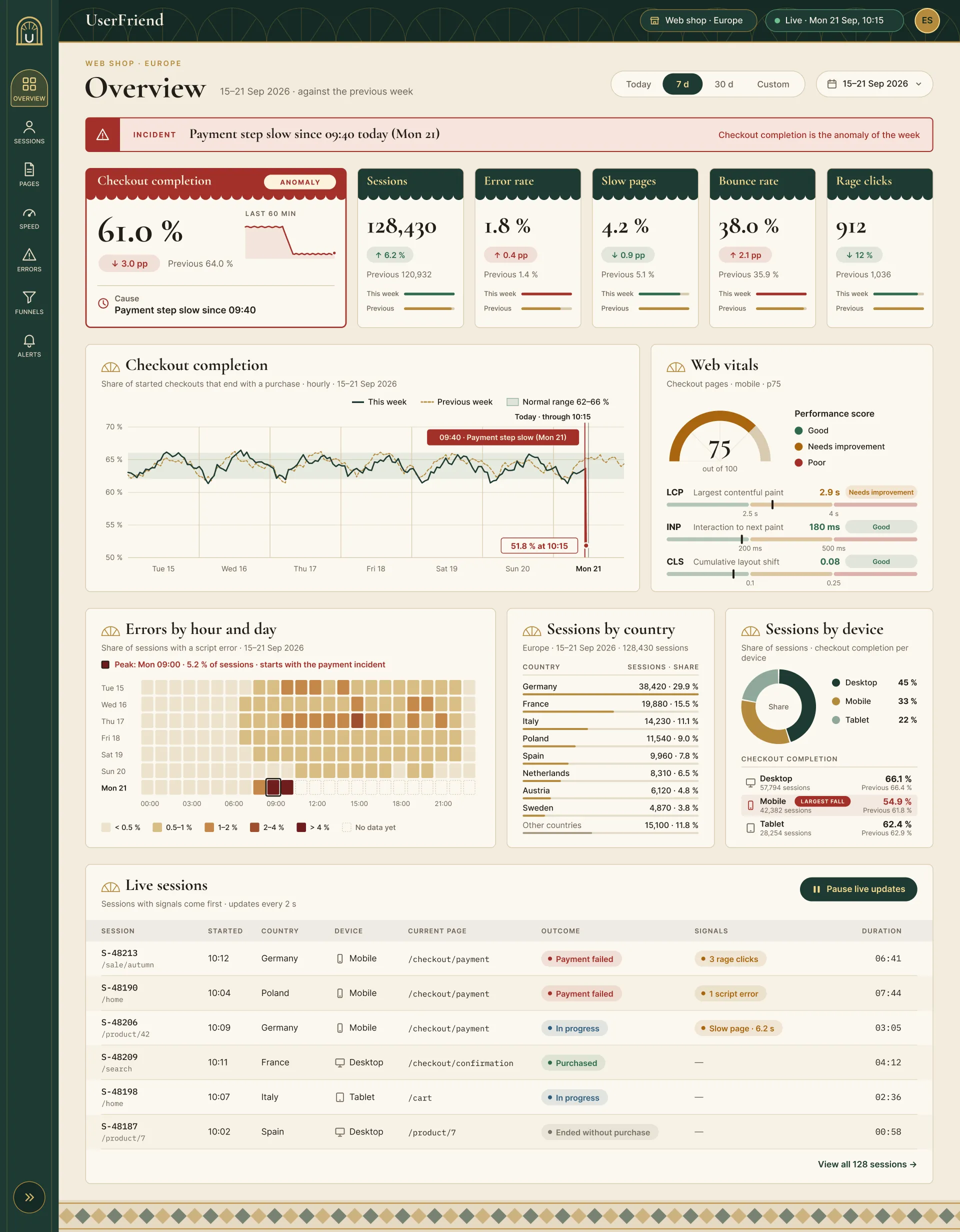
  2. The same screen in marker on a whiteboard, with two sticky notes on it. One note asks a question.
    WorkshopsI bring the people who know the problem together to question and clarify it.
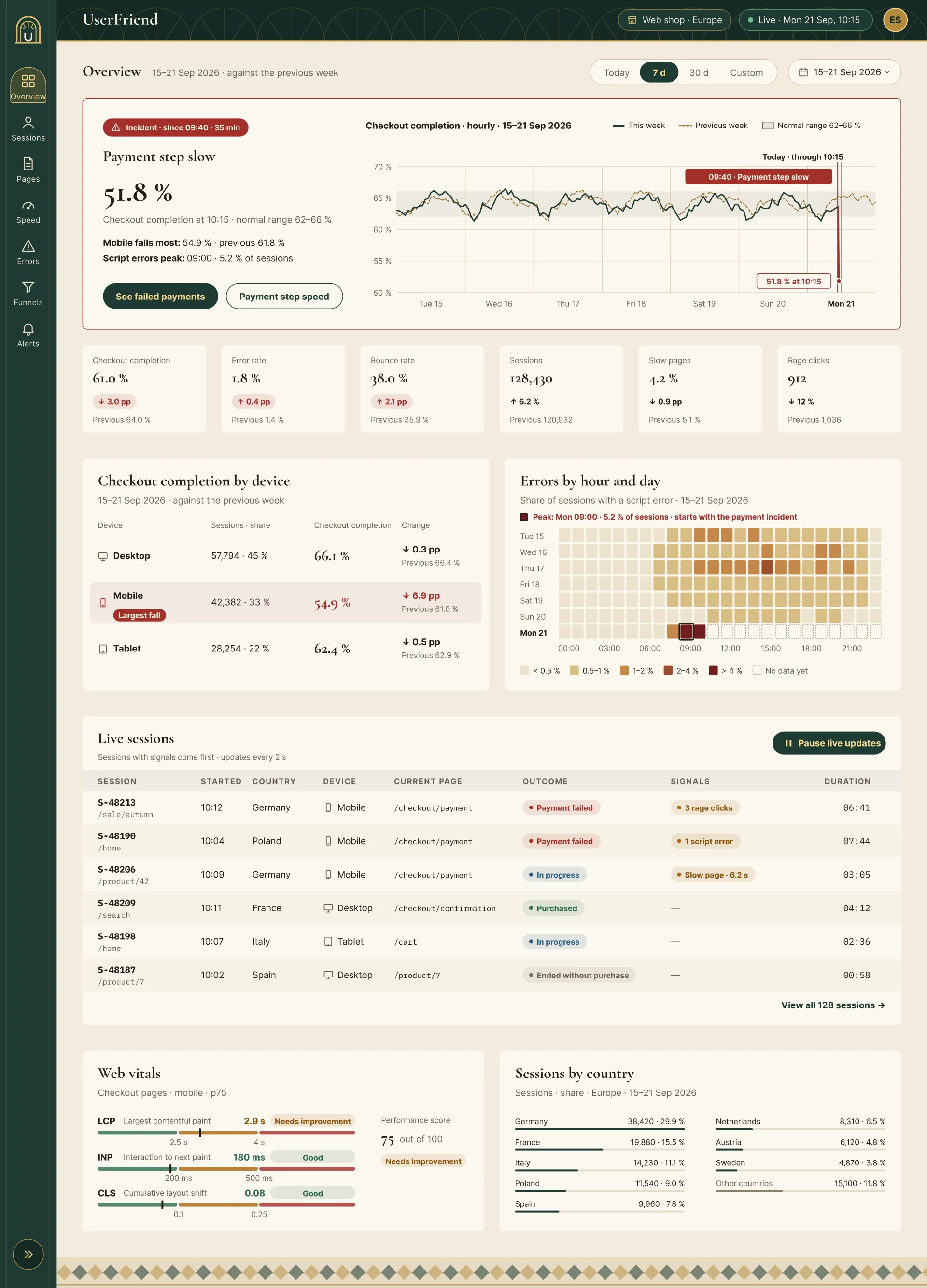
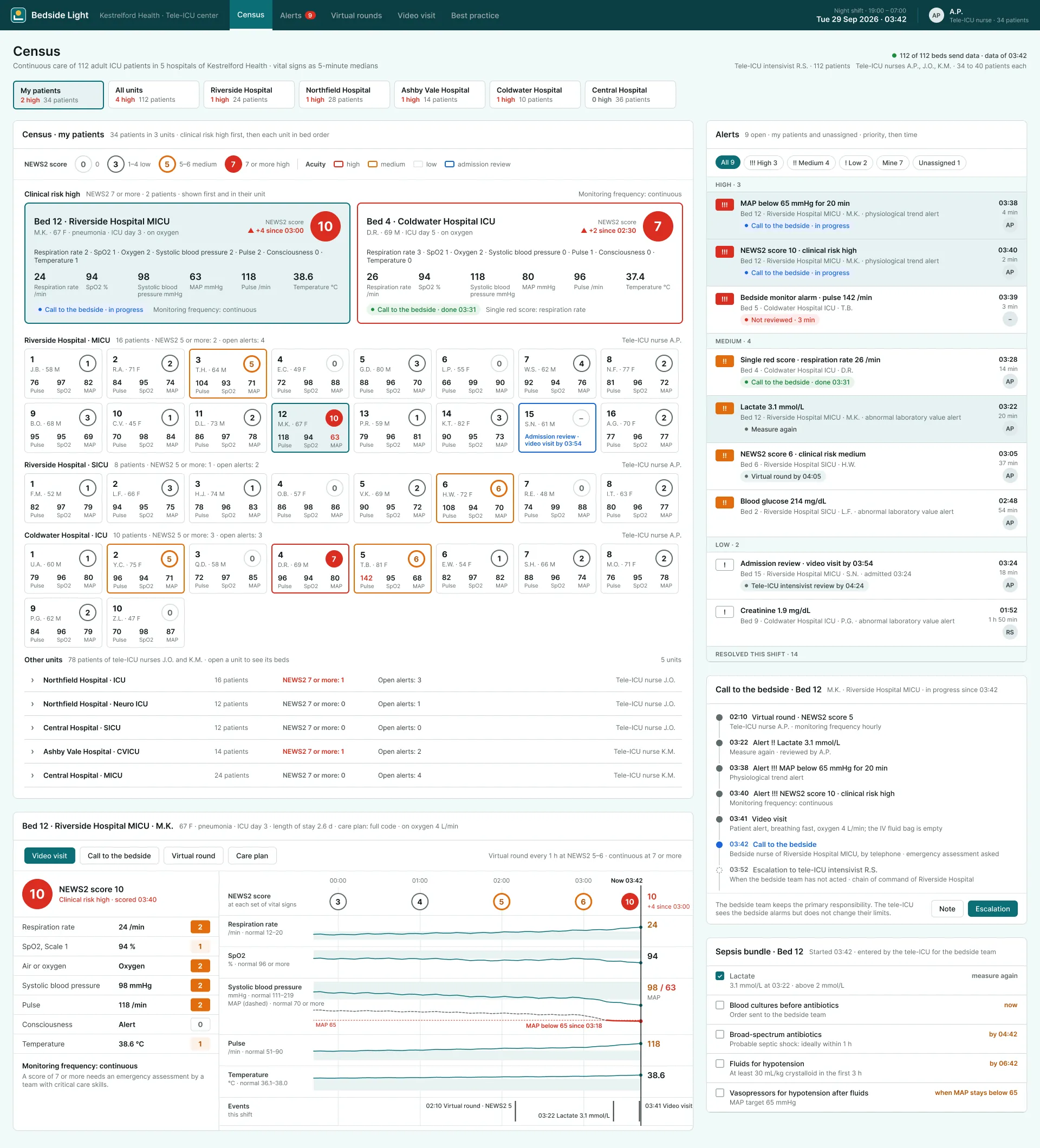
  3. The same screen as a clean high‑fidelity Figma frame with a frame name above it and pale fills.
    FigmaDetailed prototypes let people respond to the layout, content and behavior of a proposed interface.
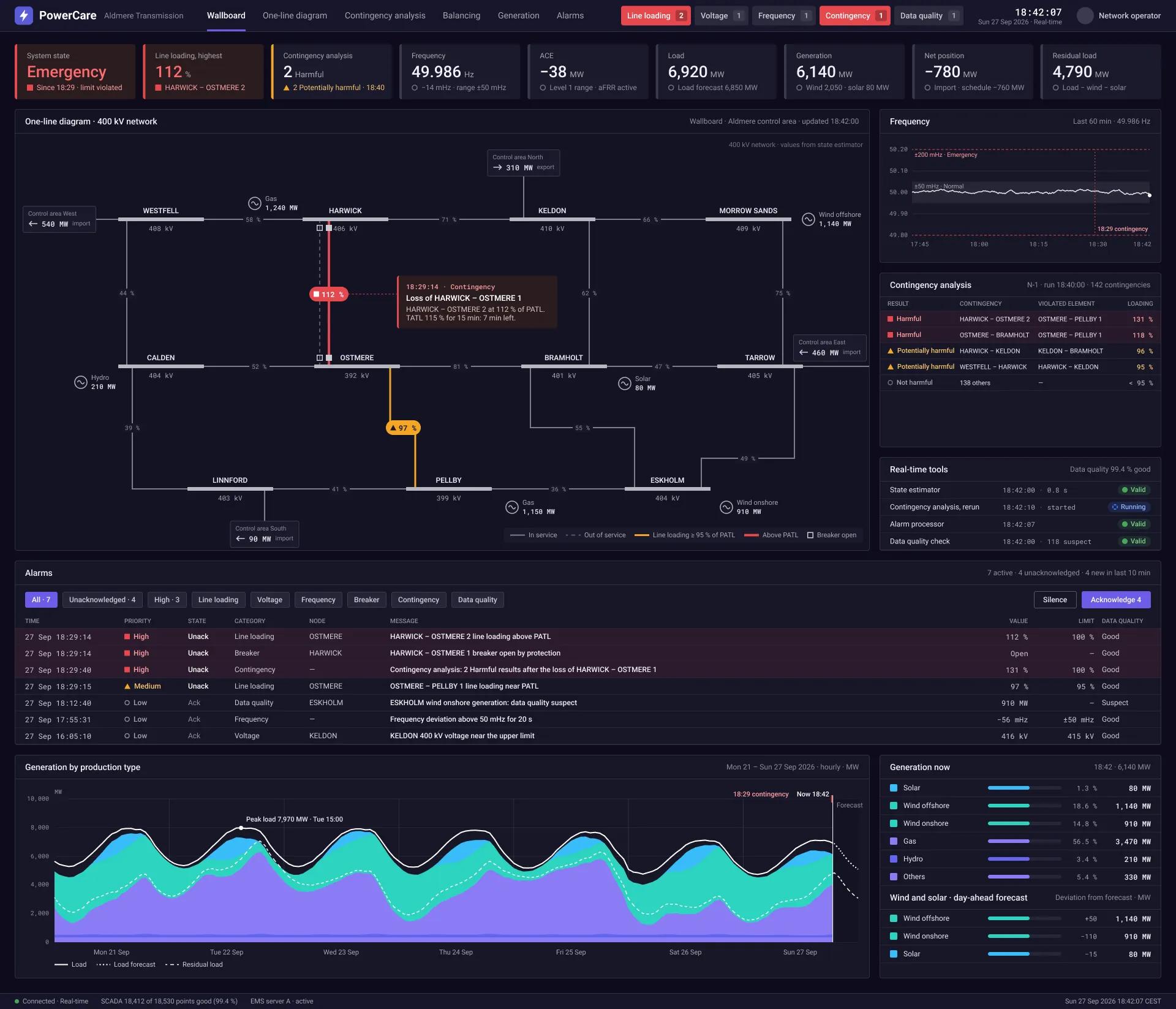
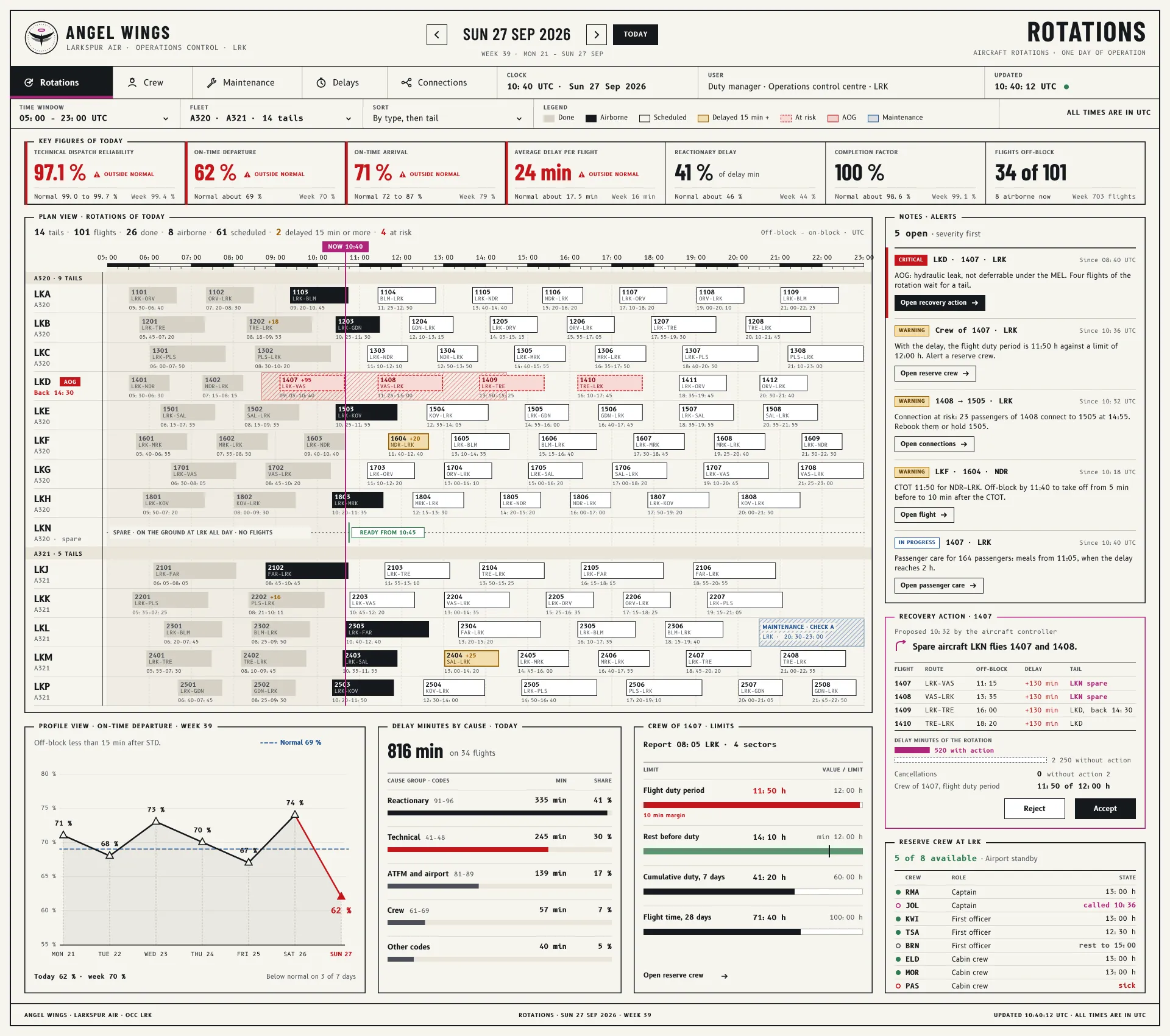
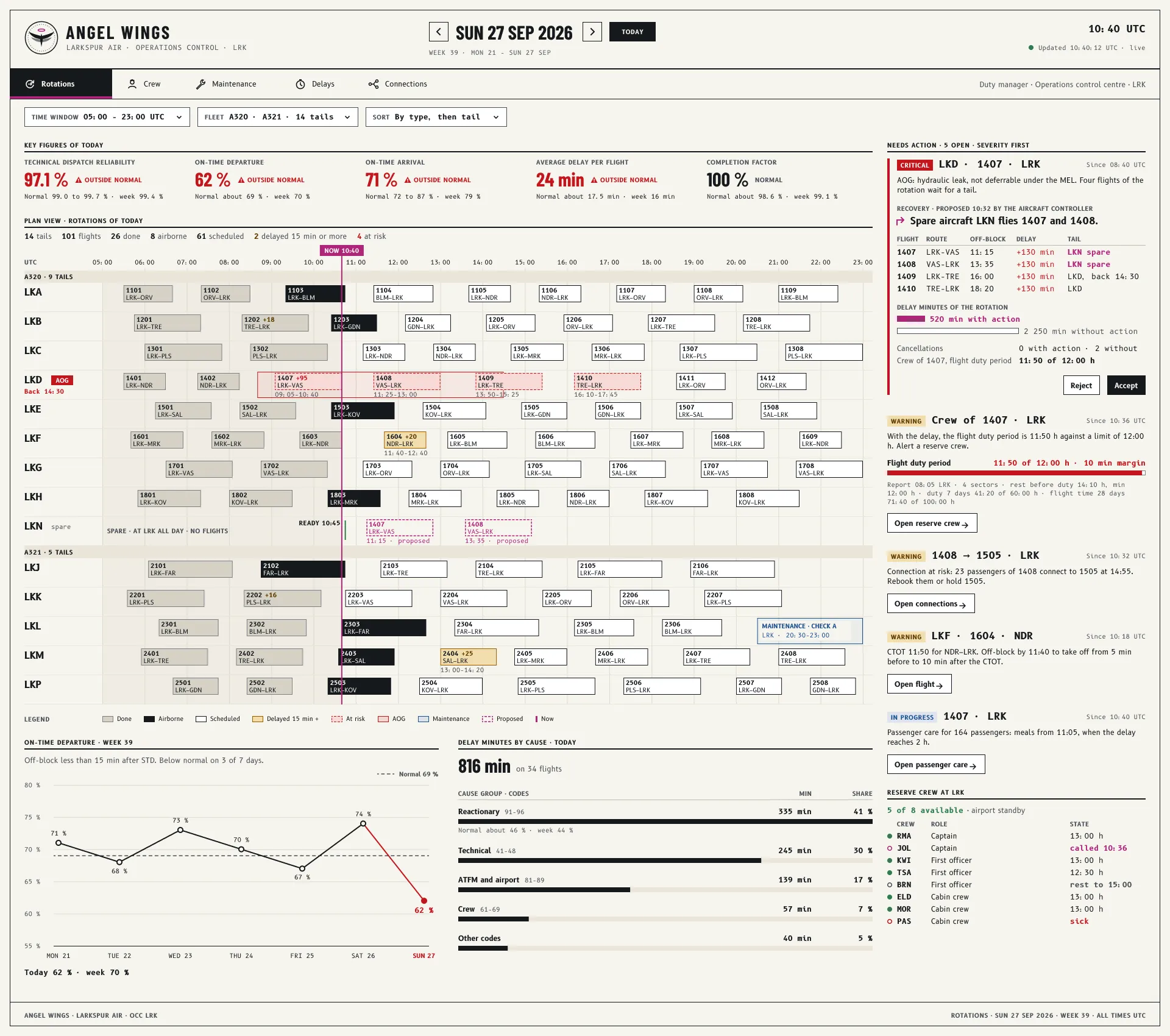
  4. The same screen built in React in a browser: rows of real data, a chart in the detail pane, and a pointer on the one highlighted button.
    ReactWorking prototypes let people try realistic tasks with realistic data, including interactions a static screen cannot show.
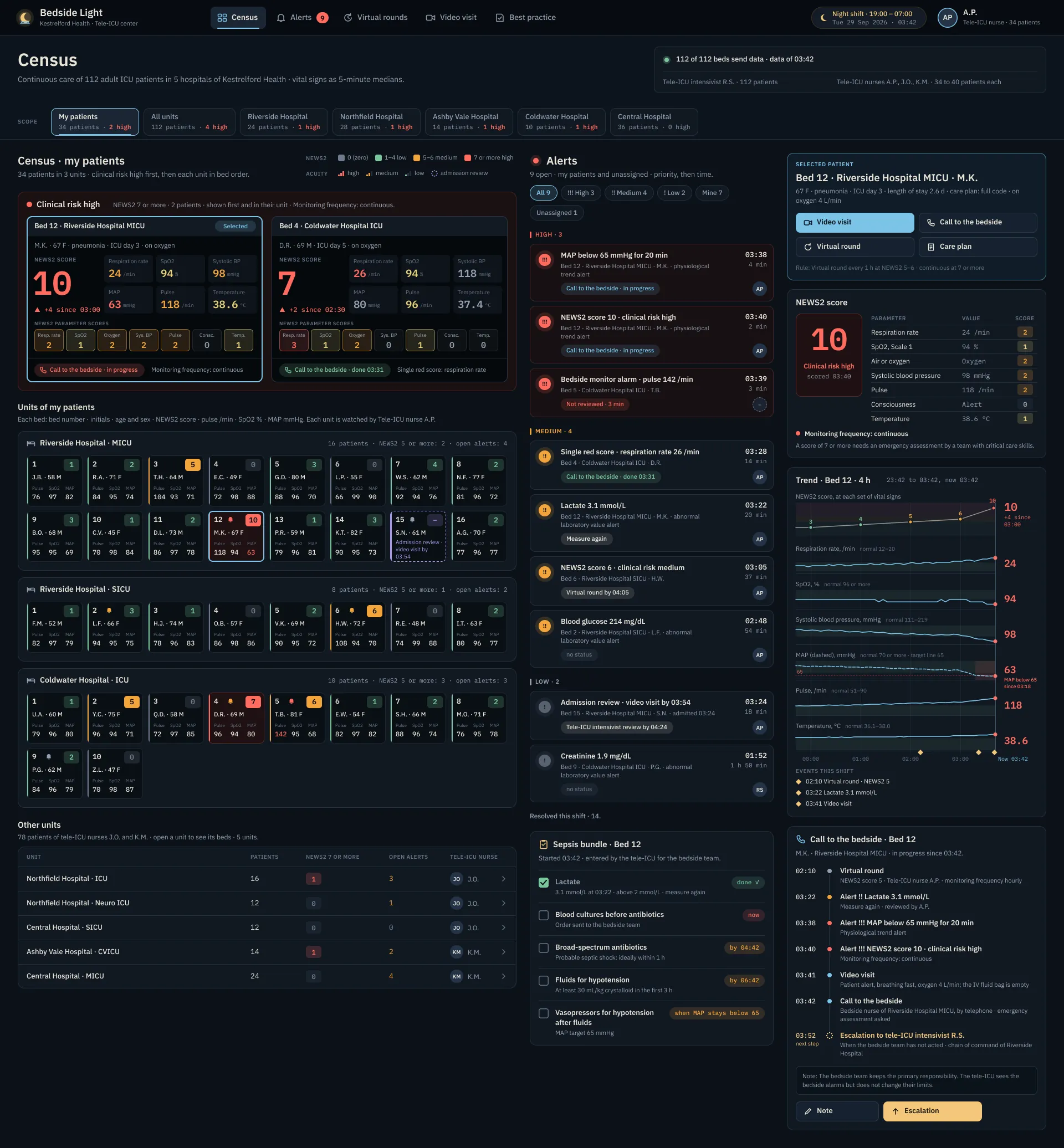
  5. The same screen being built by an agent: the list stands, the detail pane is a petrol dashed edge still open, and a prompt line with a cursor sits below.
    AgentsI can build interactive drafts during a discussion, test ideas sooner and iterate faster.

I build tools for problems
I meet in my own work.

My 5 published Figma plugins grew from recurring design tasks: importing websites, managing typography, building data grids and working with images.

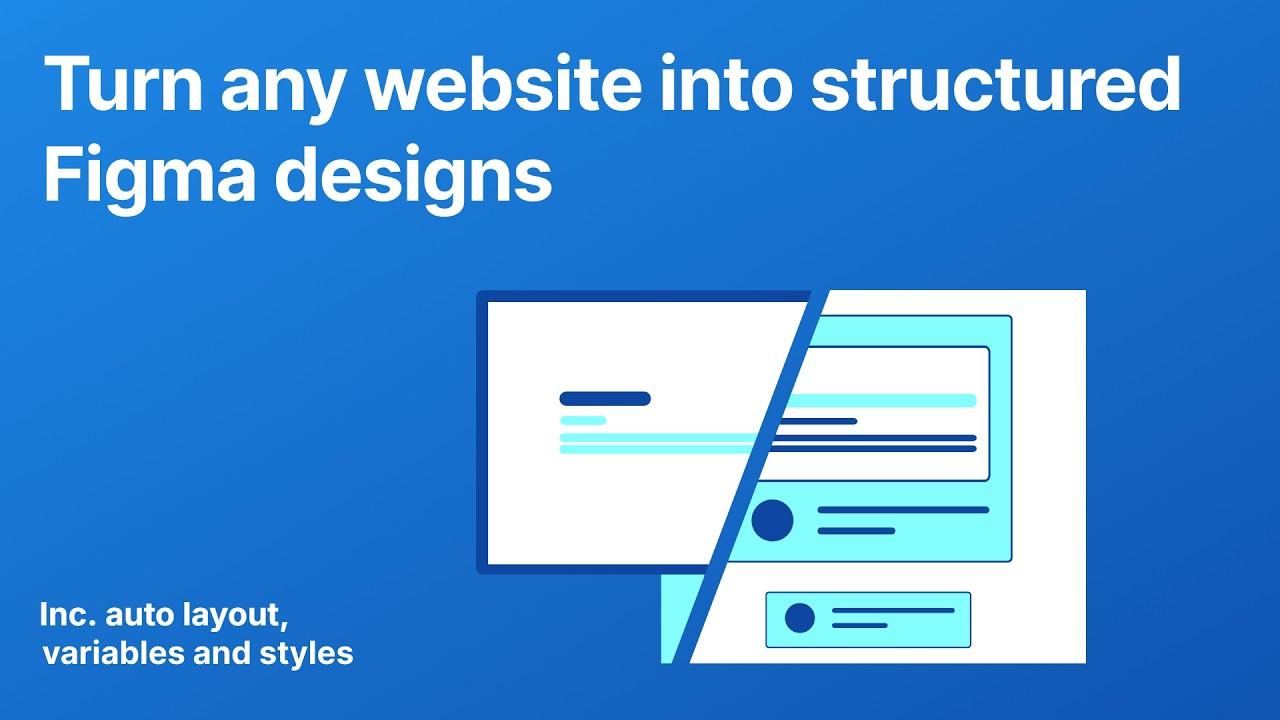
Web Import Master

Bring a website into Figma as an editable document.

Web Import Master demo video

A Chrome extension captures the page in your own browser. The plugin rebuilds it in Figma.

Both run locally, with no sign-up or upload. I built them to work with pages already open in the browser, including those behind a login.

Four more tools, each built around one recurring task.

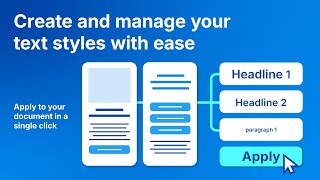
  • Text Styles Manager demo video
    Text Styles ManagerCreates a typography system and applies it to the whole document, variables included.
  • Data Grid Master demo video
    Data Grid MasterTurns a spreadsheet into a data grid built from your own components.
  • Mask Master demo video
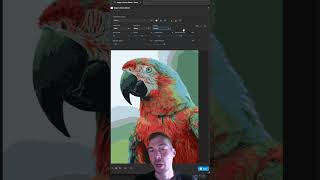
    Mask MasterImage masking with adjustable threshold controls.
  • Image to Vector Master demo video
    Image to Vector MasterConverts raster images to editable vectors.

Always learning by making

Curiosity has always
made me build things.

  1. At 4

    My father built a customized Sinclair computer for me. I still remember it vividly.

  2. At 14

    I made my first software tools to make my video games more interesting.

  3. At 18

    I explored the internet and built small websites for friends.

  4. At 24

    I studied communication design. My final project became my first startup.

  5. At 35

    I discovered agents as a way to turn more of my ideas into working experiments.

Outside of work, I lift, cook
and stay curious.

  • BodyHeavy weightlifting and time outdoors in nature.
  • MindScience, philosophy and psychology. My favorite channels are Veritasium, Kurzgesagt and Be Smart.
  • HandsGood food and cooking. Woodcraft, drawing and painting.